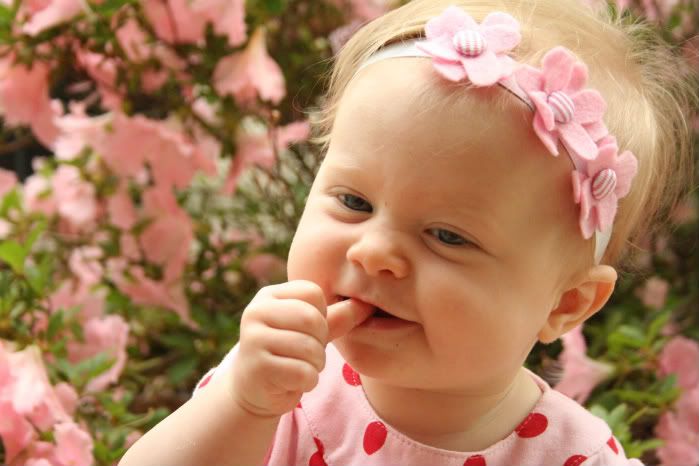
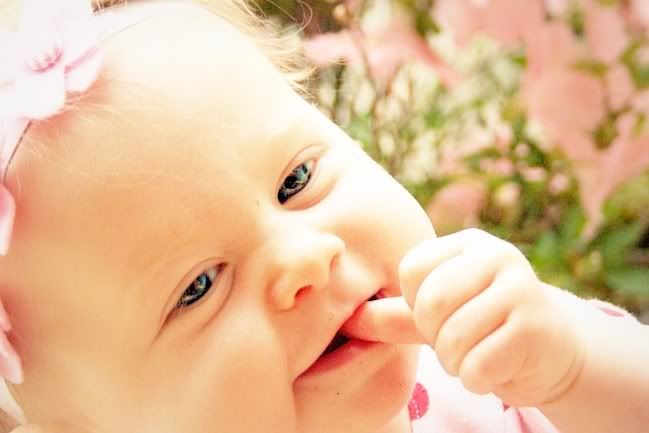
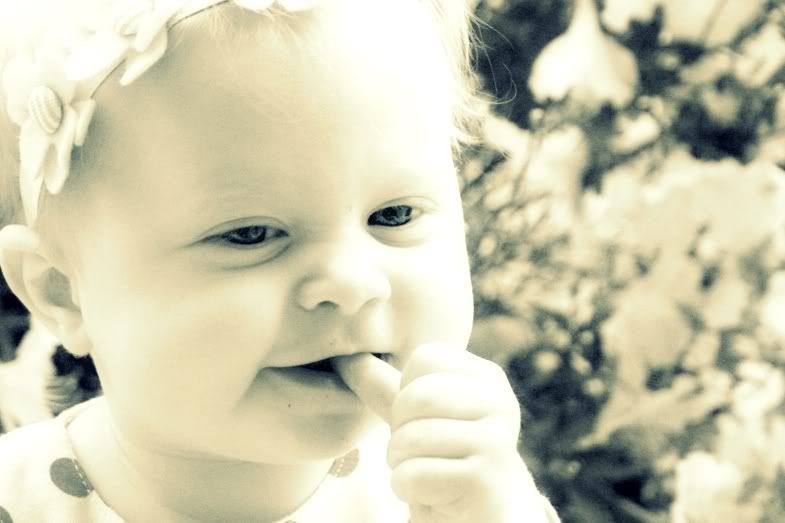
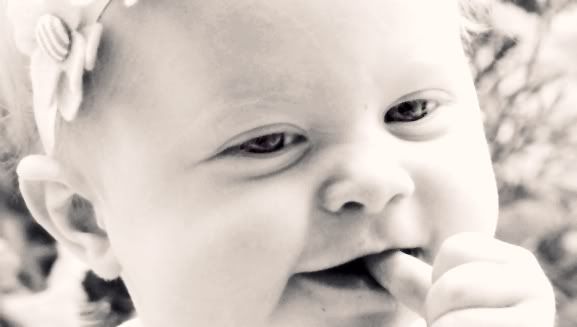
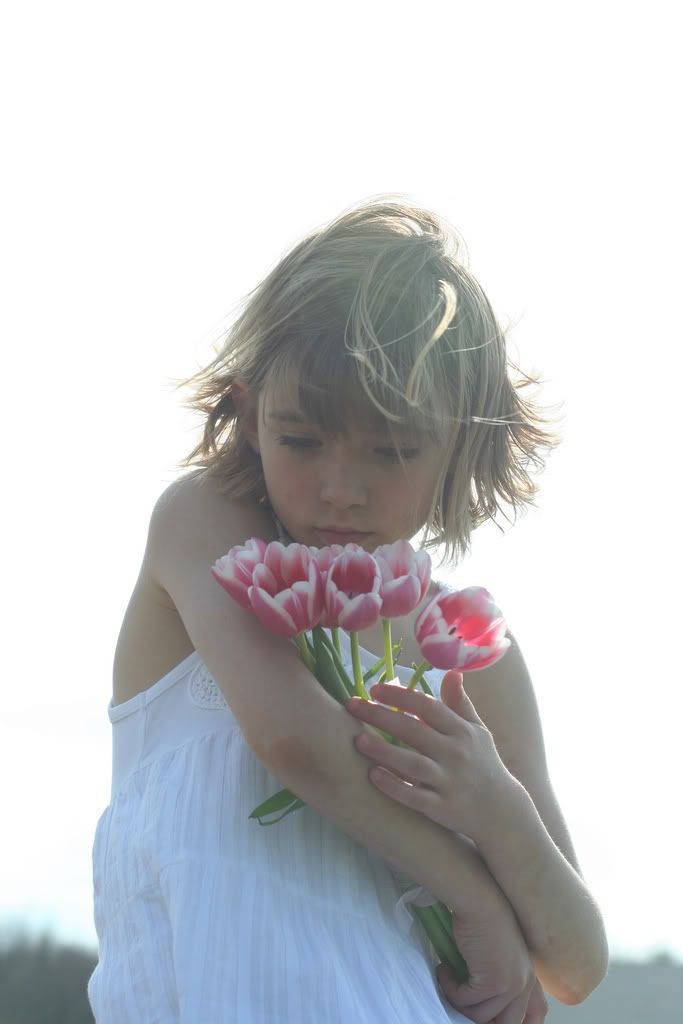
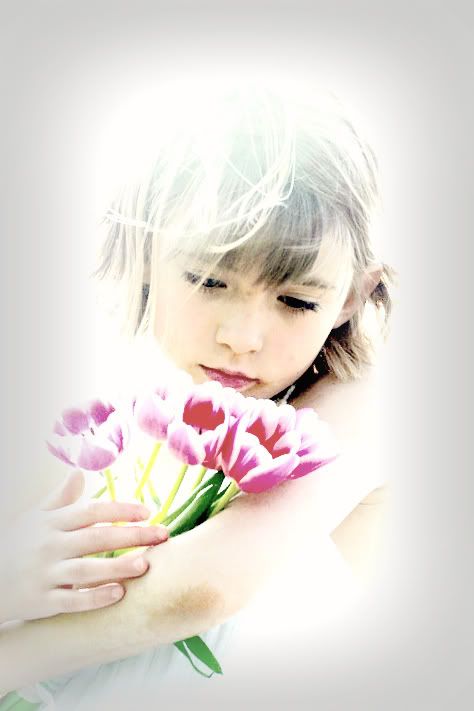
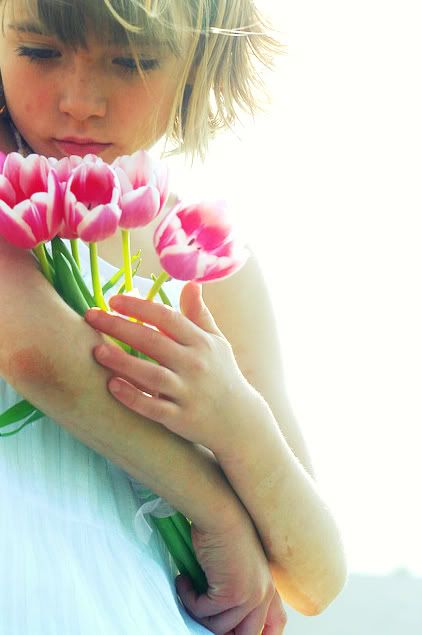
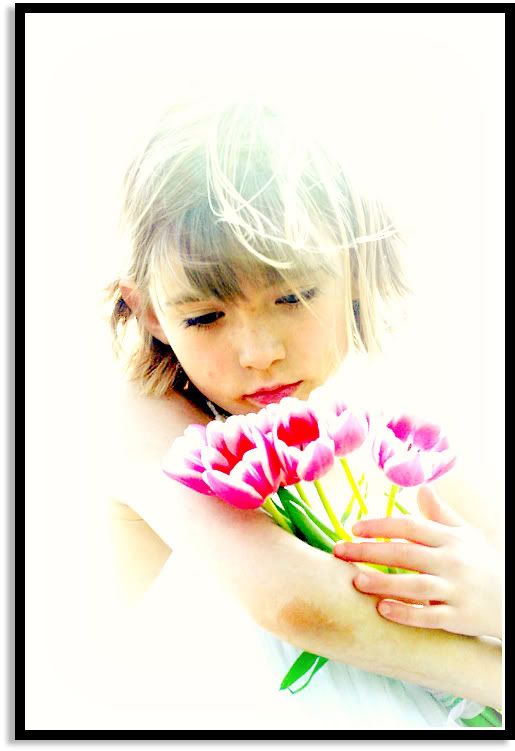
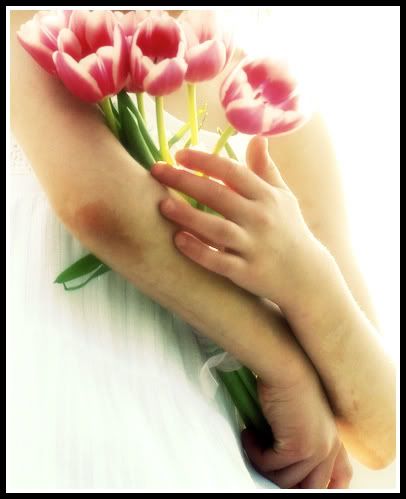
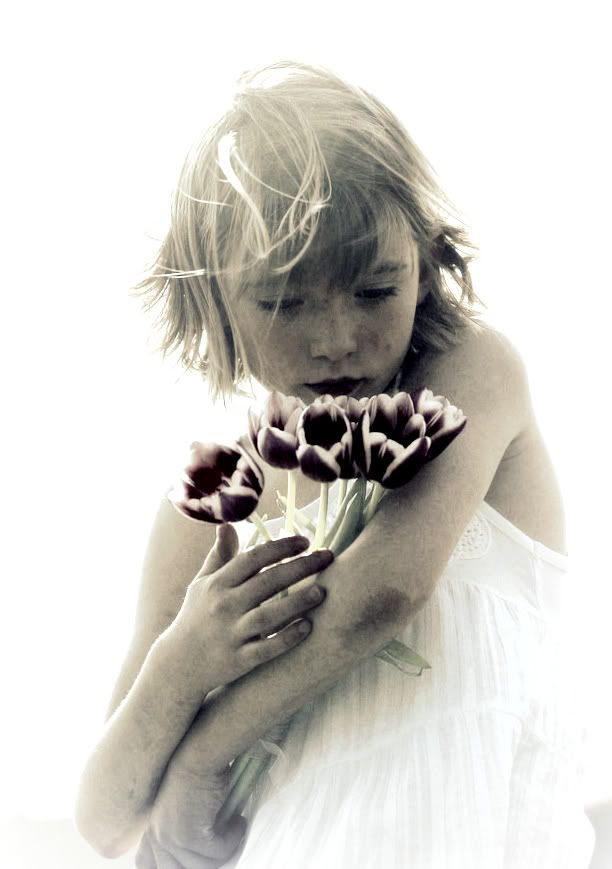
So over at iHeartFaces this week it is the before and after theme, meaning post a picture of when you first started editing/photography and then one of your most recent edits/shoots, which I have taken literally so I have posted a before and after when I started and a before and after now, since I have kinda started backwards in this whole photography world of editing first and then learning photography later... when I'm in school and when I have a decent camera other than a point and click. So I choose the photo of my nephew from April 2007 which I was so proud of and then a photo from last weekend, which is so much better. It’s amazing that with a little practice and patience how much you can grown in a short {2 years} time frame. So introducing:
Then 
Knowing what I know now, this picture was almost perfect in it's orginial state and just needed a little cleaning, not a complete overhaul - along with the non-knowledge of curves and trying to make everything look perfect I have learned to try and leave stuff more au natural...
Now 
I still feel I am pulling too much contrast in so I'm trying to learn still the balance of just right and a little over done, but hey, I'm learning right? :) Any hints, suggestions, or ideas? On how to bring in some color and contrast but not so it looks so processed?
I wish I could get LiveWriter to post the pictures to my blog in a better quality then it does, anyone have any tips? So I half use flickr and half live writer which makes it a bit difficult sometimes... oh well.